Case 03 · Master’s project
Weet: a multi-device meeting-room service
Benchmarking, persona, use cases, flows and a prototype for a meeting platform built around one key idea: breakout rooms.
Multi-device Design course · Team project with María Jiménez Dumall and Zeus Ruiz Socas · Figma, use-case and flow diagrams
6
video-call apps compared
19
features scored in the benchmark
3
key activities: create meeting, breakout rooms, sharing
3
devices: desktop, smartphone and smartwatch
01 · Context
Remote meetings that feel like the real thing
The brief was to design a multi-device service for managing meeting rooms, defining the use case of one archetype, their needs, activities, features, content and device usage.
Value proposition
Create breakout rooms to continue a meeting in smaller groups and collaborate the way you would in person.
02 · Research
What’s out there, and who we’re designing for
Benchmarking
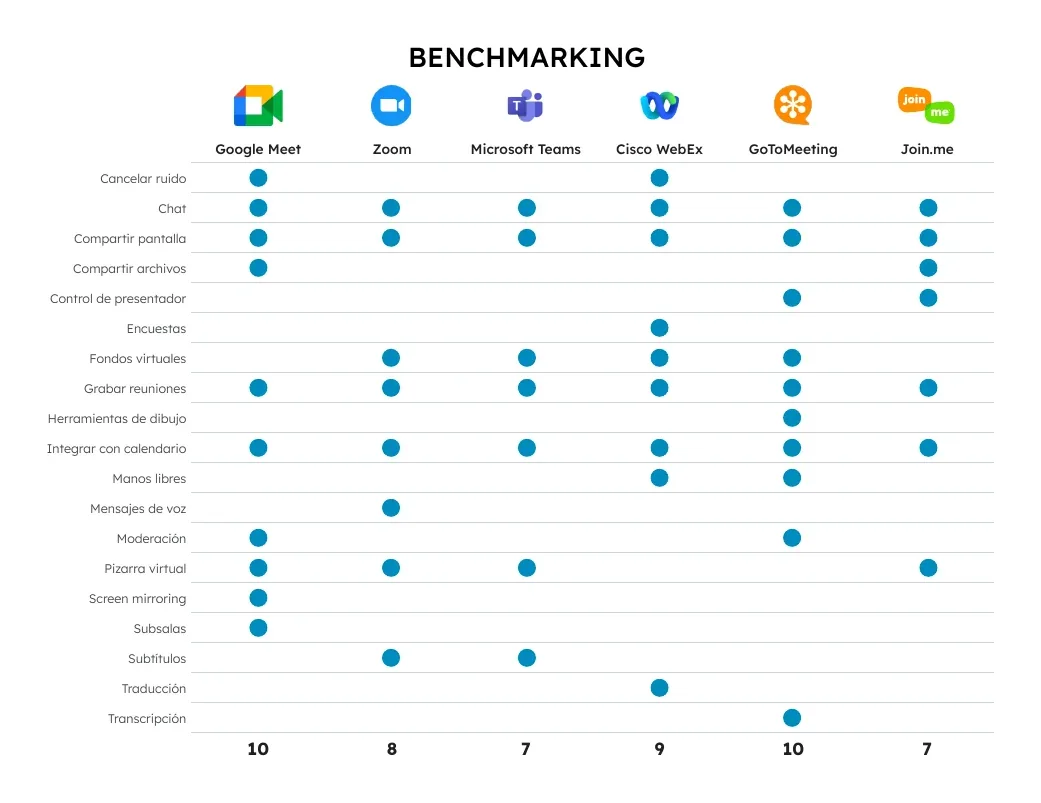
We compared Google Meet, Zoom, Microsoft Teams, Cisco Webex, GoToMeeting and Join.me against 19 features, one point per feature. Google Meet and GoToMeeting lead with 10, the rest sit between 7 and 9. All of them offer screen sharing, chat and calendar integration — the baseline for a video-call tool.
Persona: Helena González
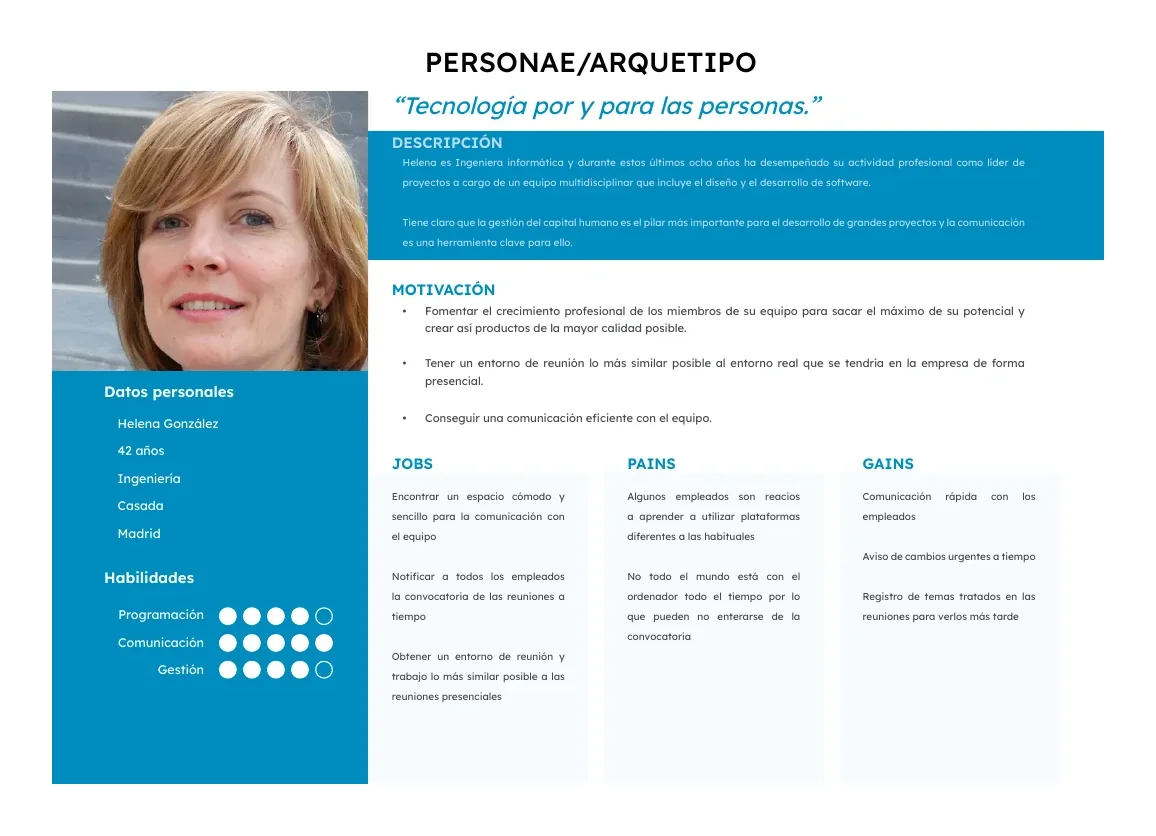
42 years old, a software engineer who has led a multidisciplinary design and development team for eight years. She wants efficient communication with her team and a meeting environment as close to in-person as possible.
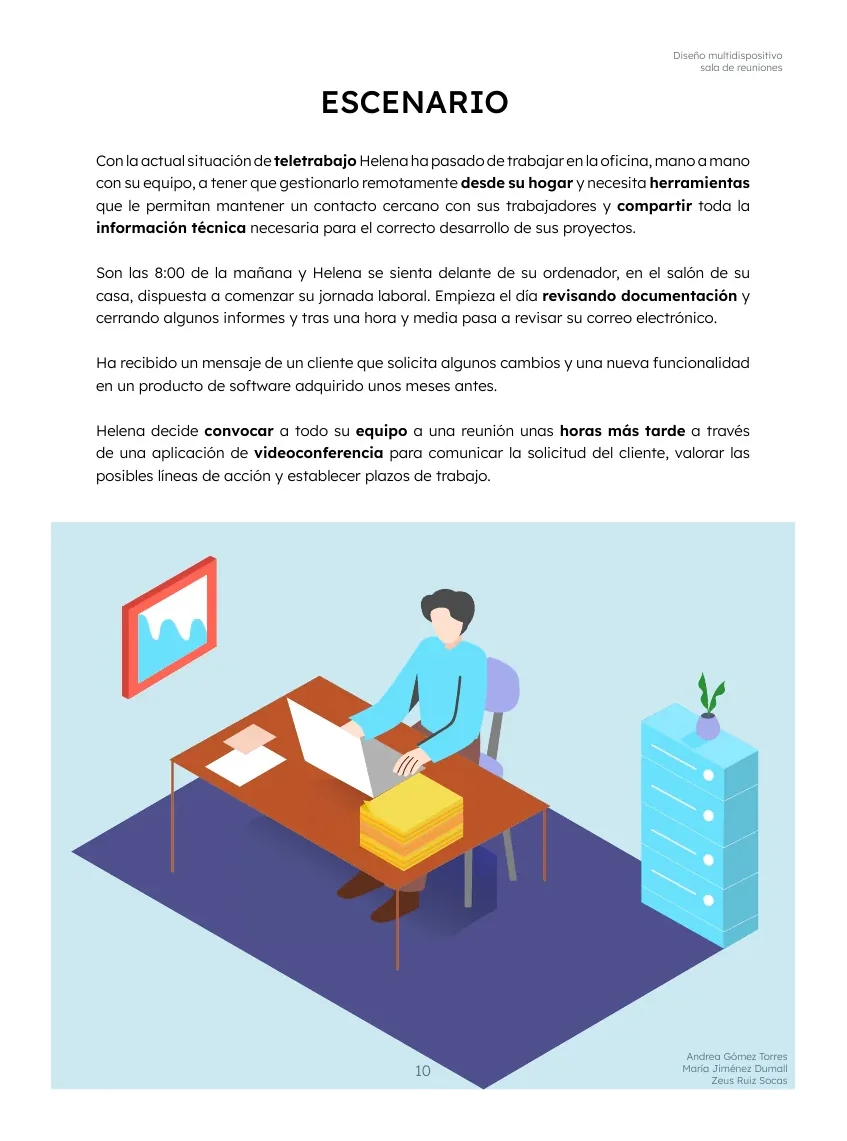
Use scenario
Working from home, a client requests changes to a product, and Helena calls her team into an urgent video meeting to weigh the options and set deadlines.
03 · Design
Devices, activities and flows
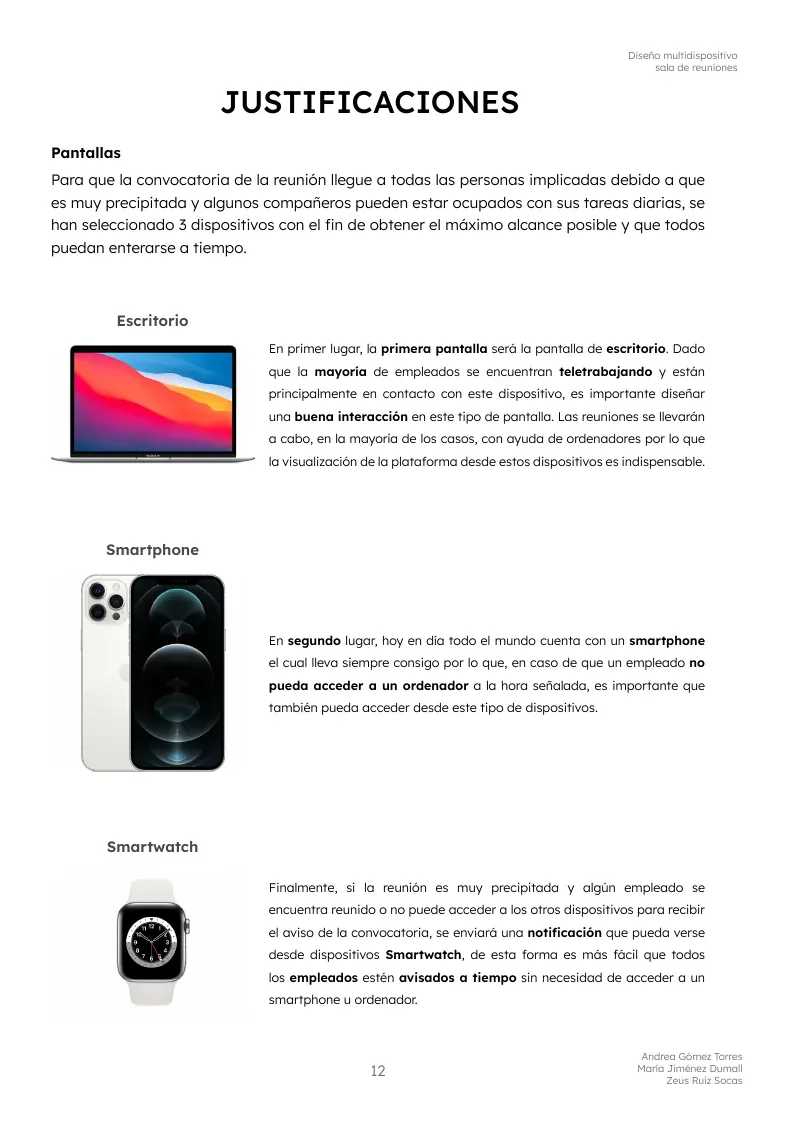
Which devices, and why
We prioritised desktop, since most of the team works remotely at a computer, and added smartphone and smartwatch so an urgent call reaches everyone. We also explored IoT to announce the meeting and voice assistants to keep presentations flowing smoothly.
Features chosen: chat, screen and file sharing, presenter control, polls and a virtual whiteboard.
Three key activities
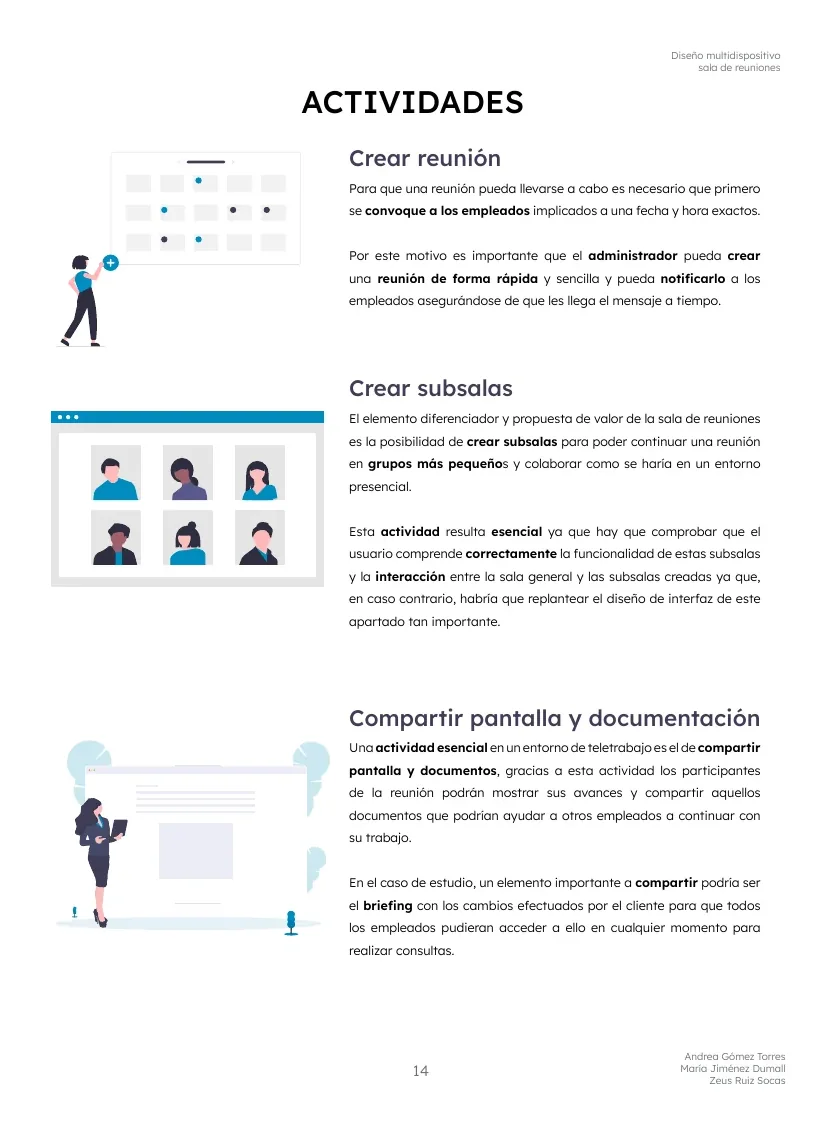
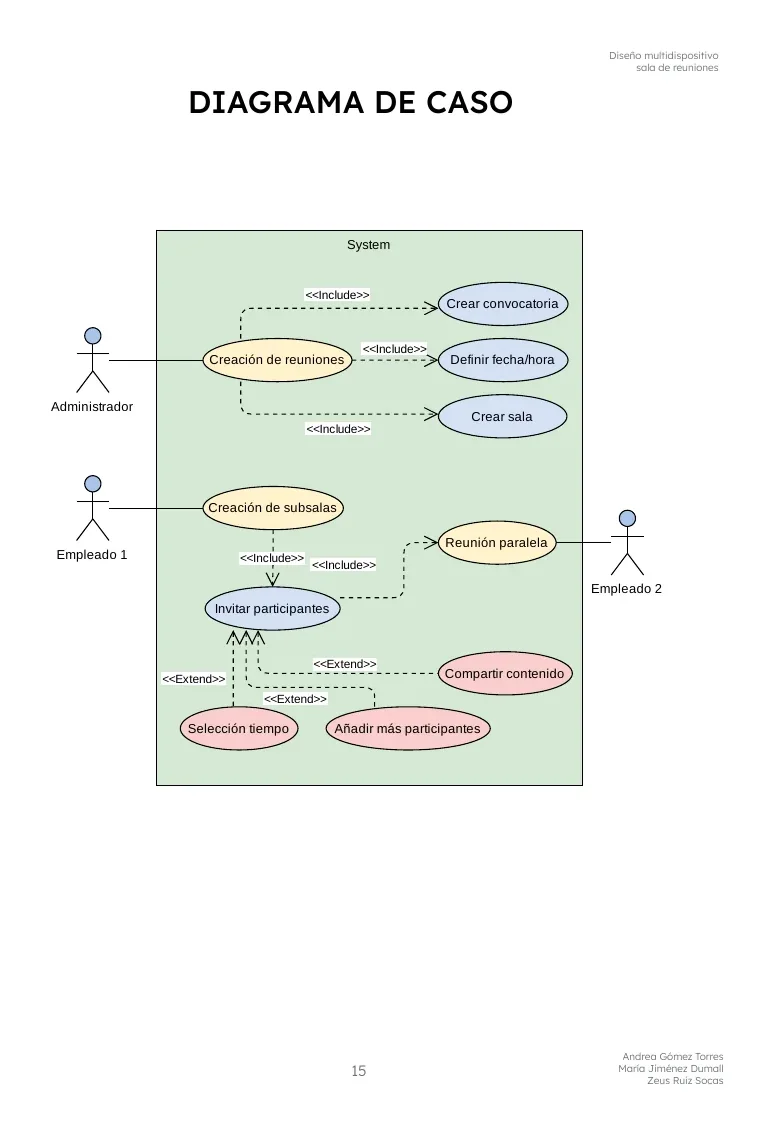
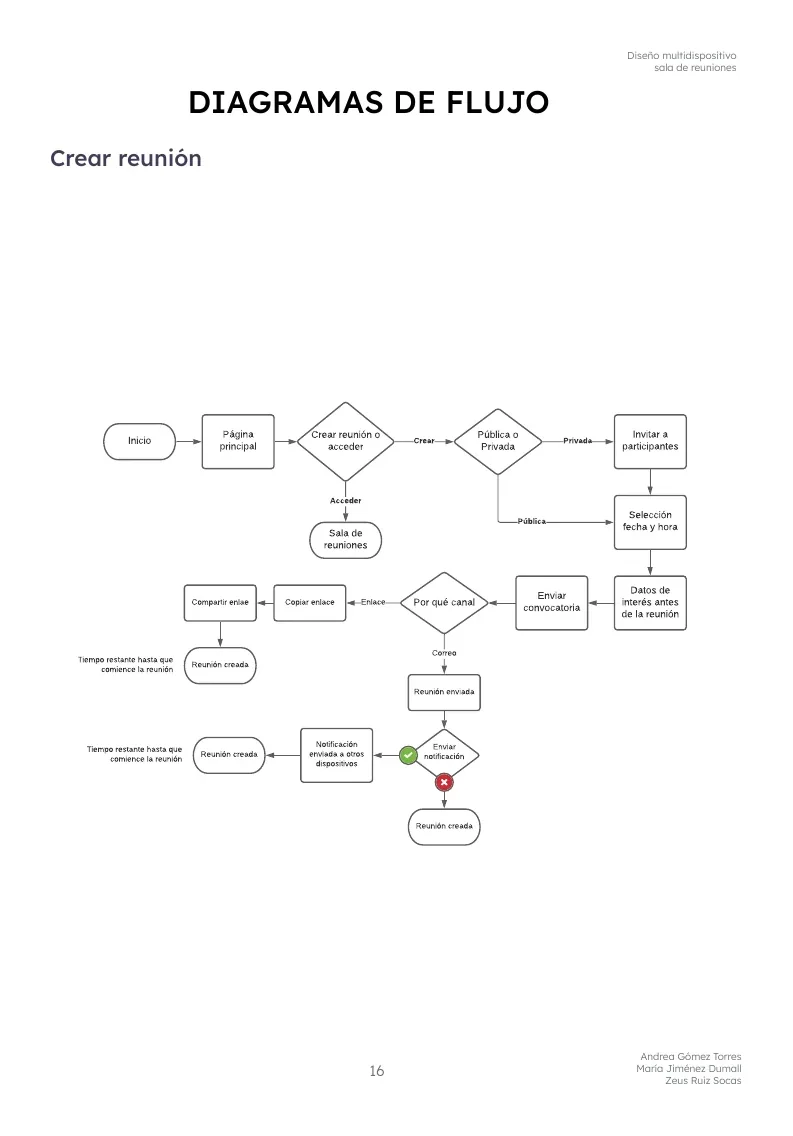
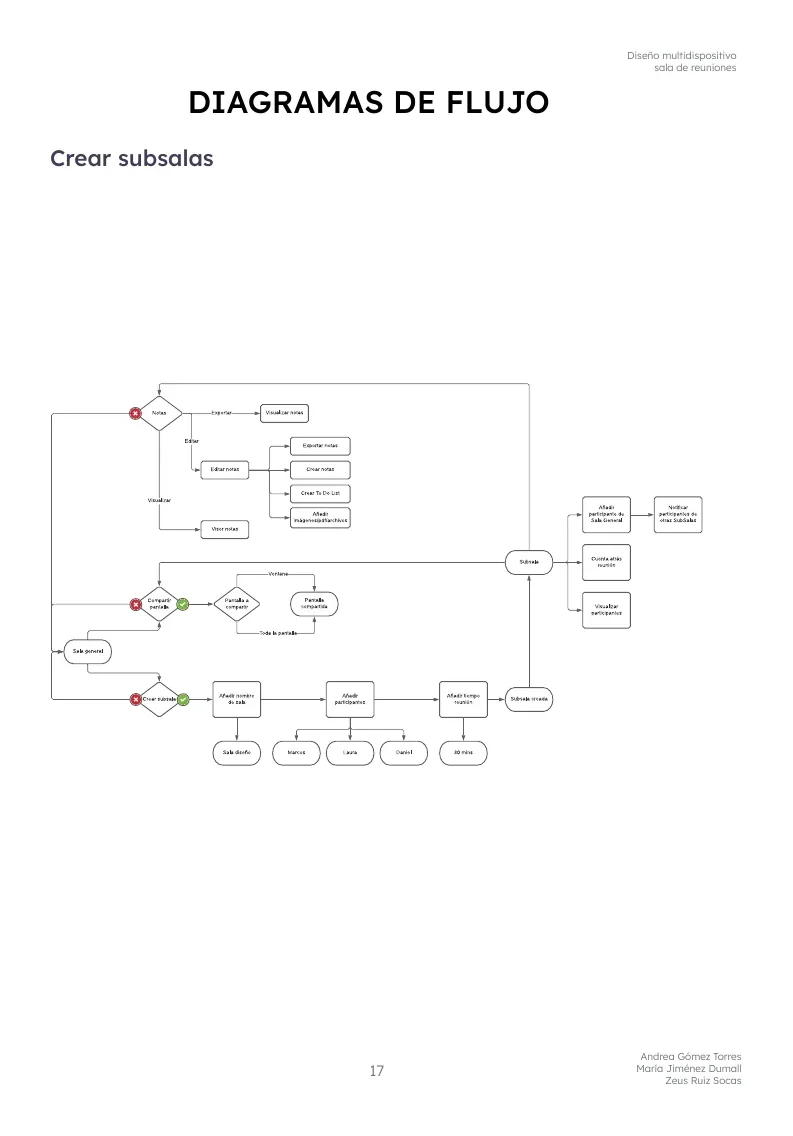
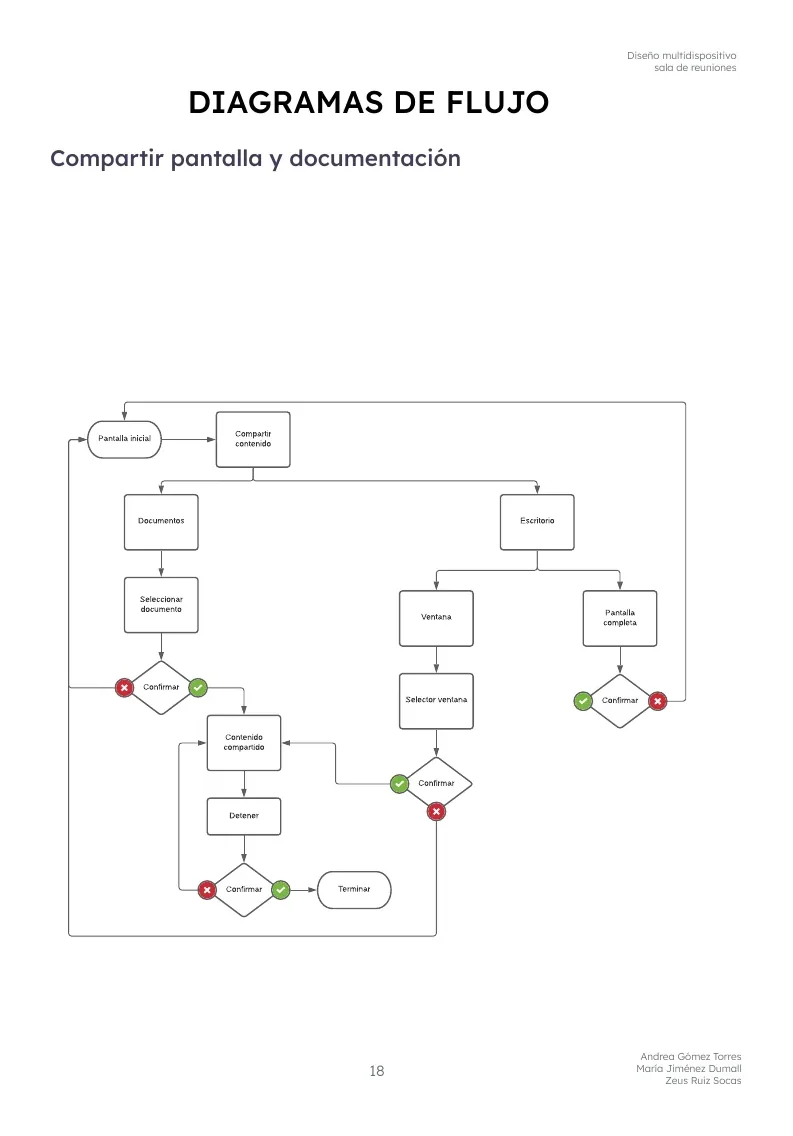
Creating a meeting, creating breakout rooms, and sharing a screen and documents. For each one we built a flow diagram, and modelled the whole thing in a use-case diagram.
04 · Solution
The desktop prototype
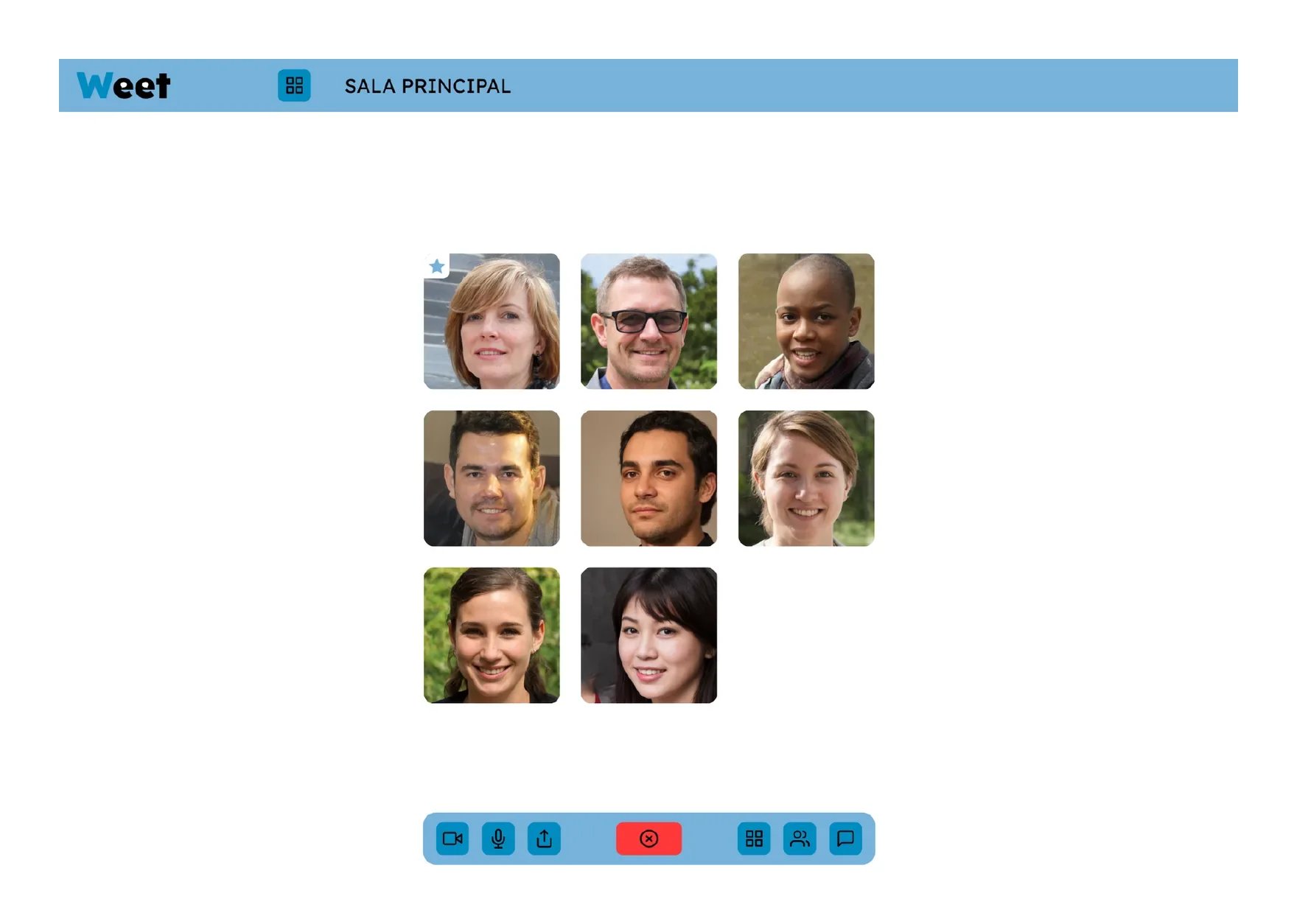
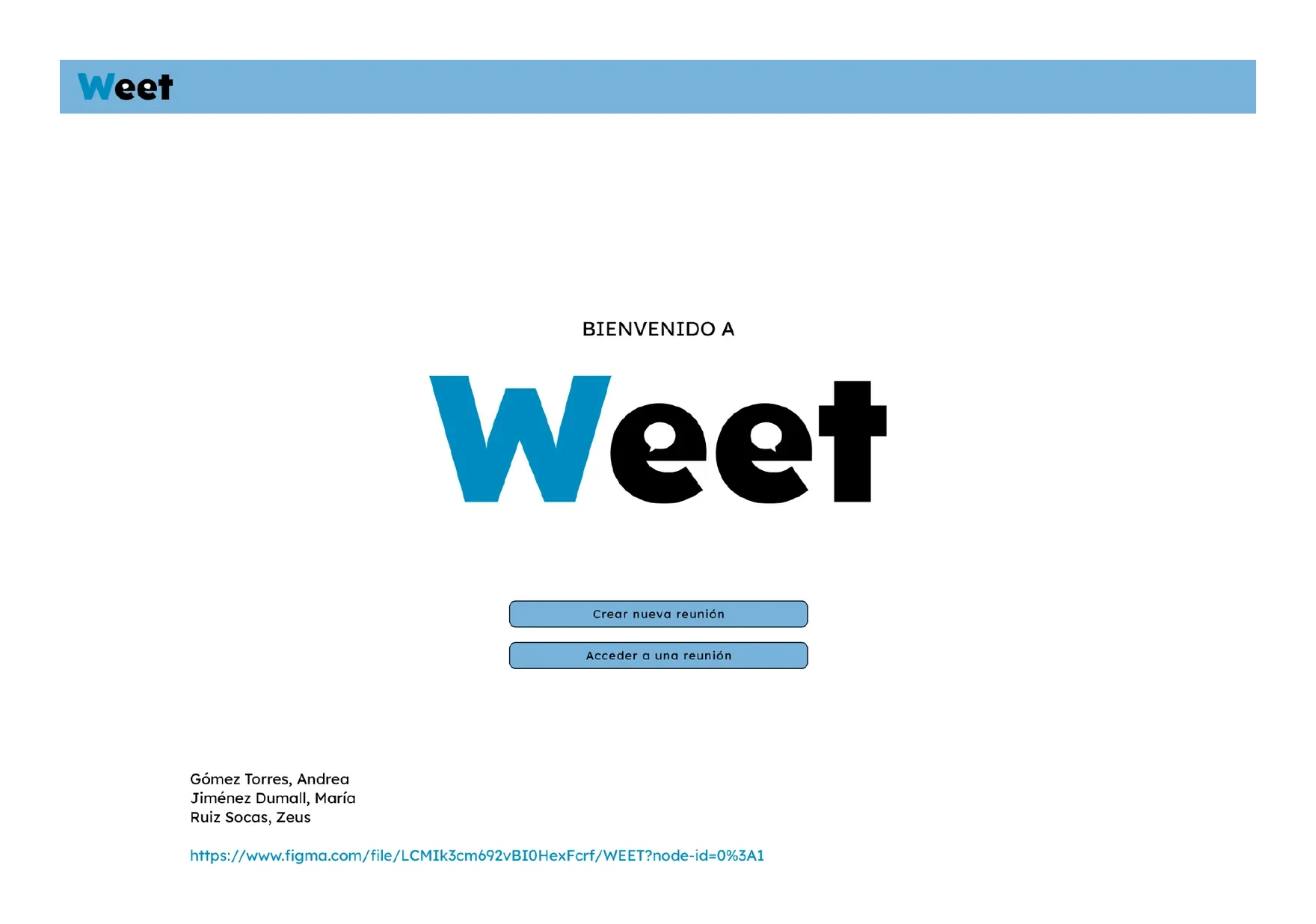
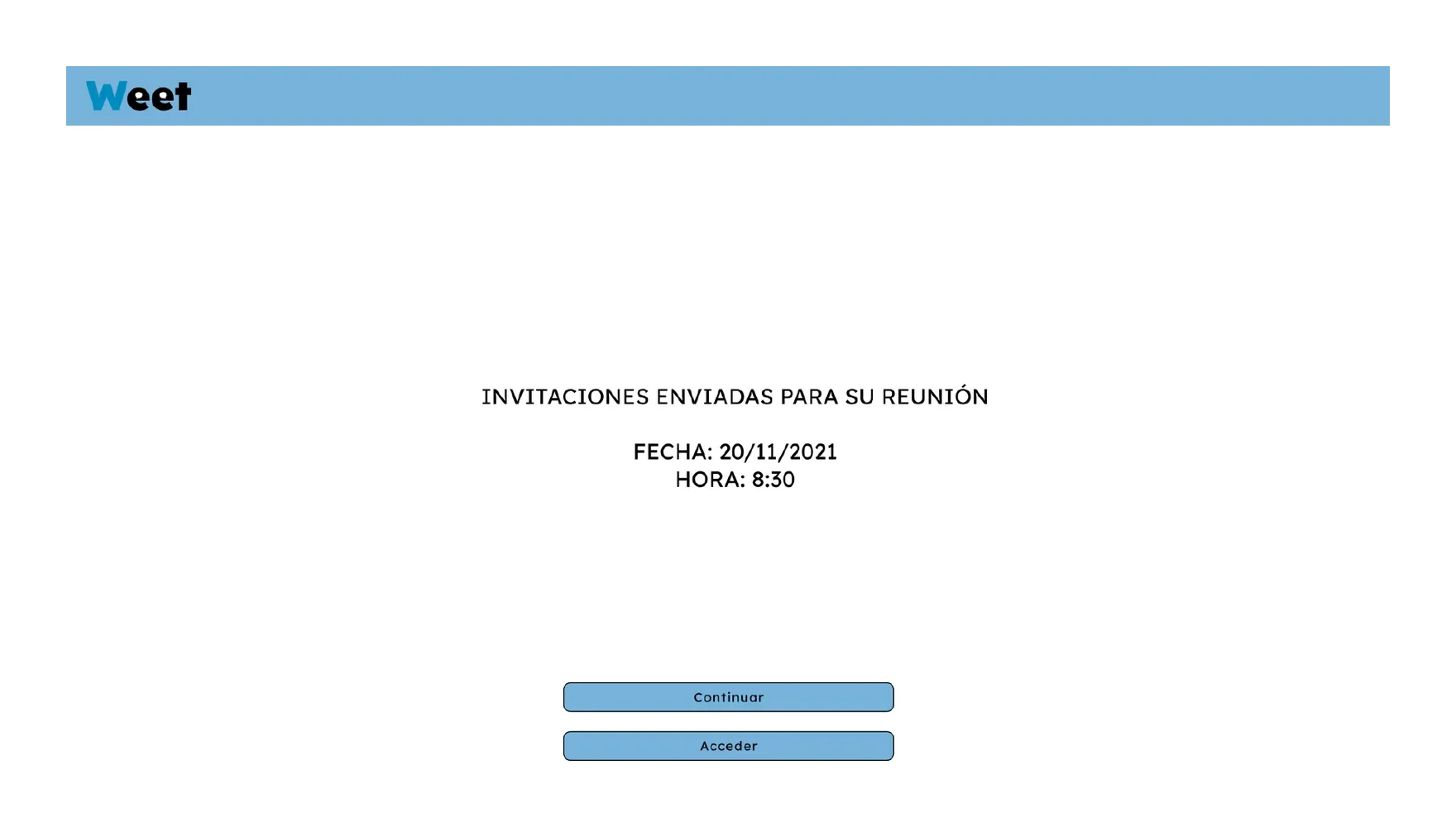
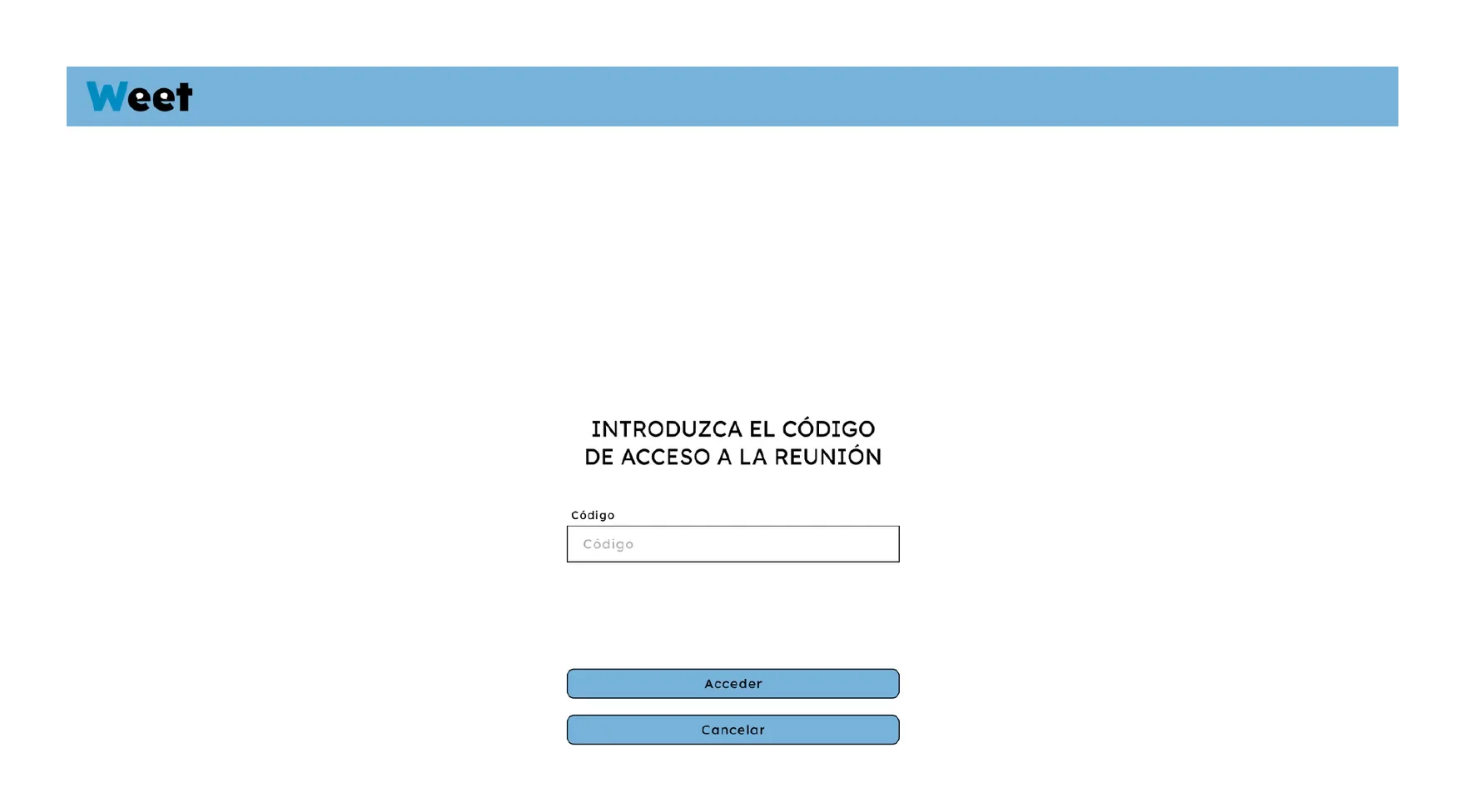
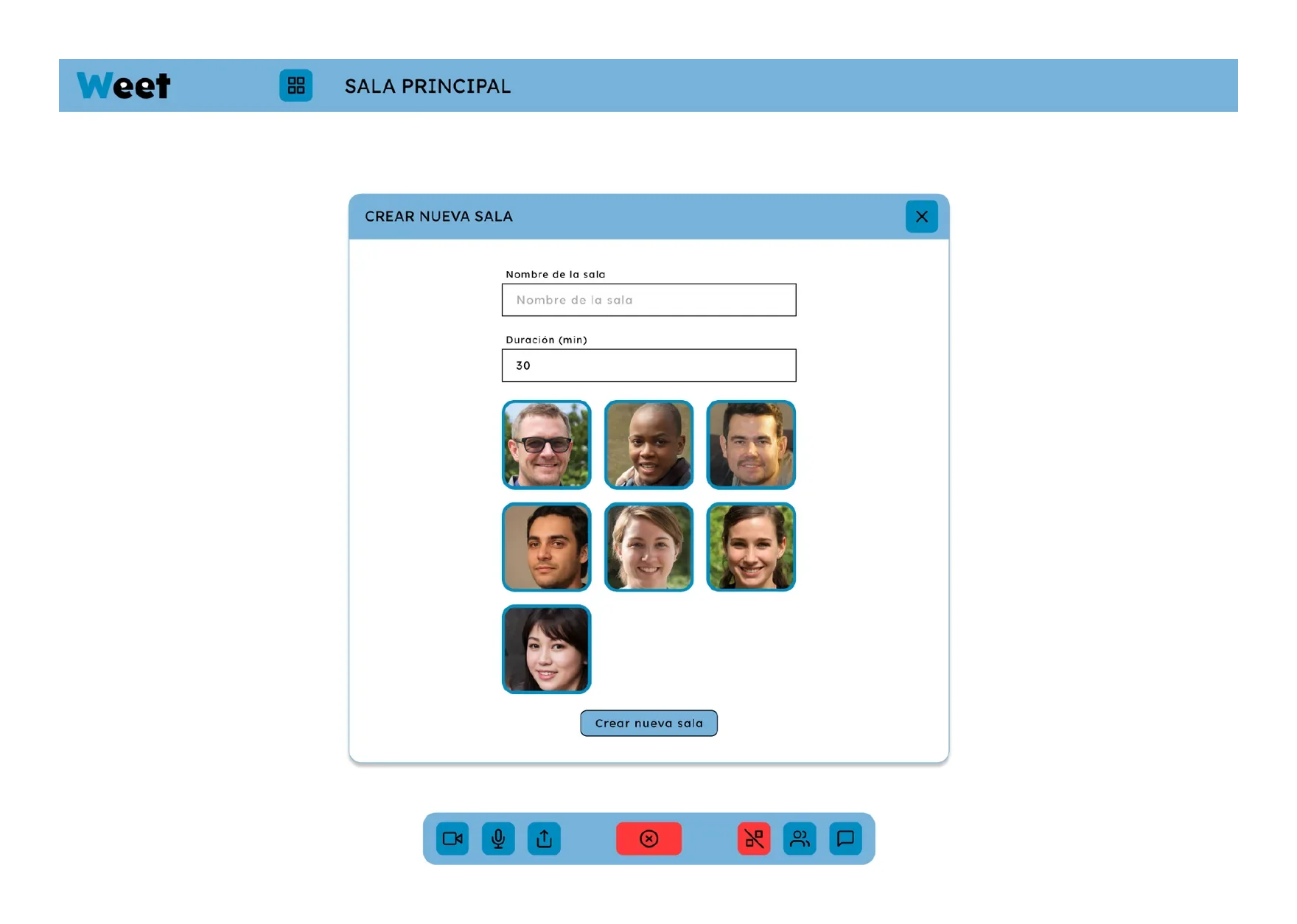
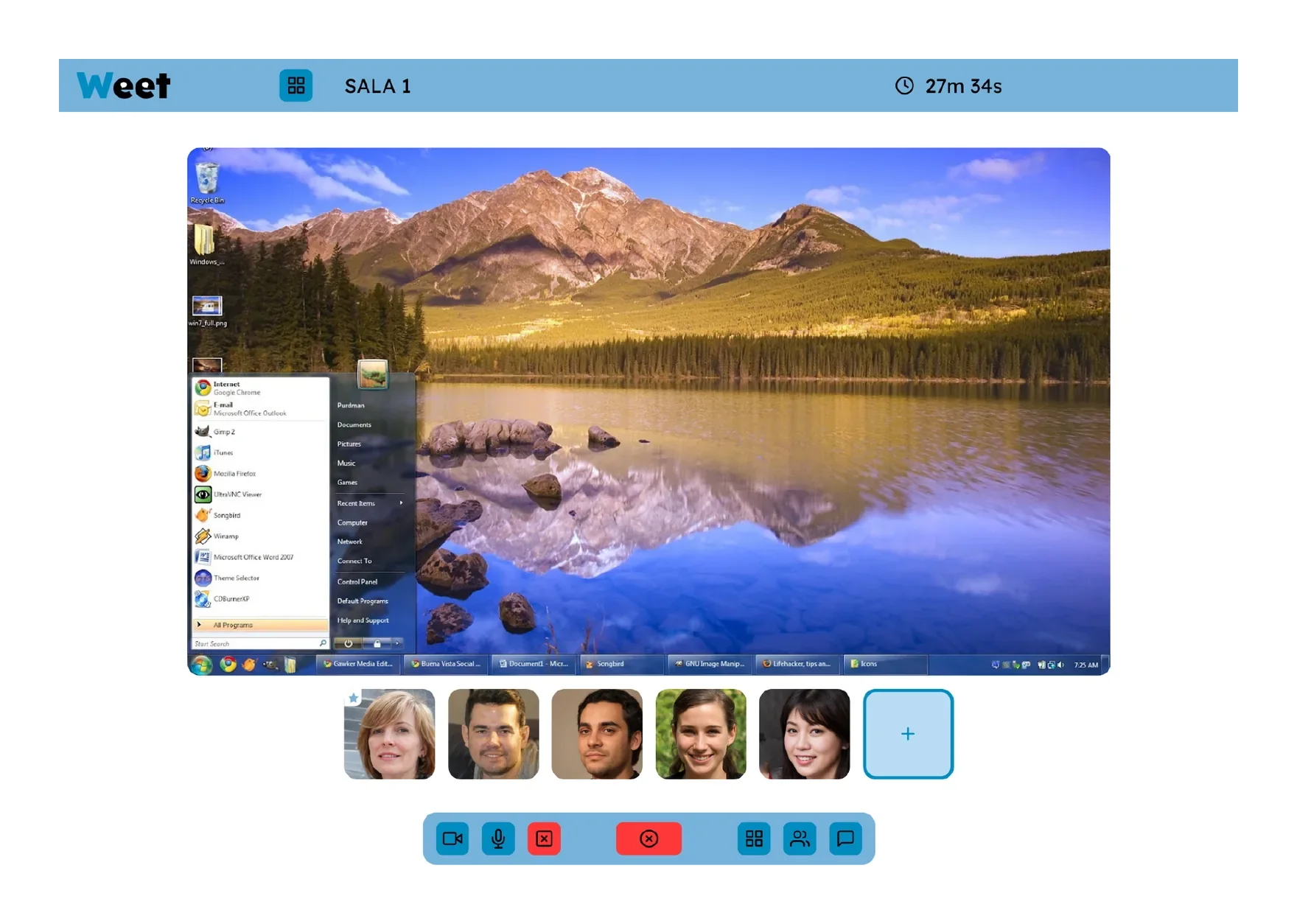
A Figma prototype covering the full journey: welcome, invitations sent, code entry, main room, breakout rooms and screen sharing.
05 · Wrap-up
Results and takeaways
The outcome is a desktop prototype. One pending step we identified as essential is confirming with users that the relationship between the main room and the breakout rooms is clear; if not, that part of the interface would need rethinking.
My contribution
Team project with María Jiménez Dumall and Zeus Ruiz Socas. I carried out roughly 50% of the project.
Next case